User Manual
1.Prepare
Prepare
2.overview
Pre-Use Instructions
3.PlugOS base use
Changing Authentication Method
Shared Folder
App Installation
App Uninstallation
Network Switch
Manage Host Lists
GPS simulation
Camera
Message Sync
Clipboard Application
OTA Update
Set Setup-code
Regenerate Product Key
Times self-destruct
Notification Settings
Date and Time Settings
Sounds and Vibration
App Optimization Settings
Security and Privacy
4.PlugOS client use
IOS
Android
Windows
5.PlugOS application use
App Store
Voice Recorder
Gallery
Veil
Siyu Keyboard
FireWall
Network Switch
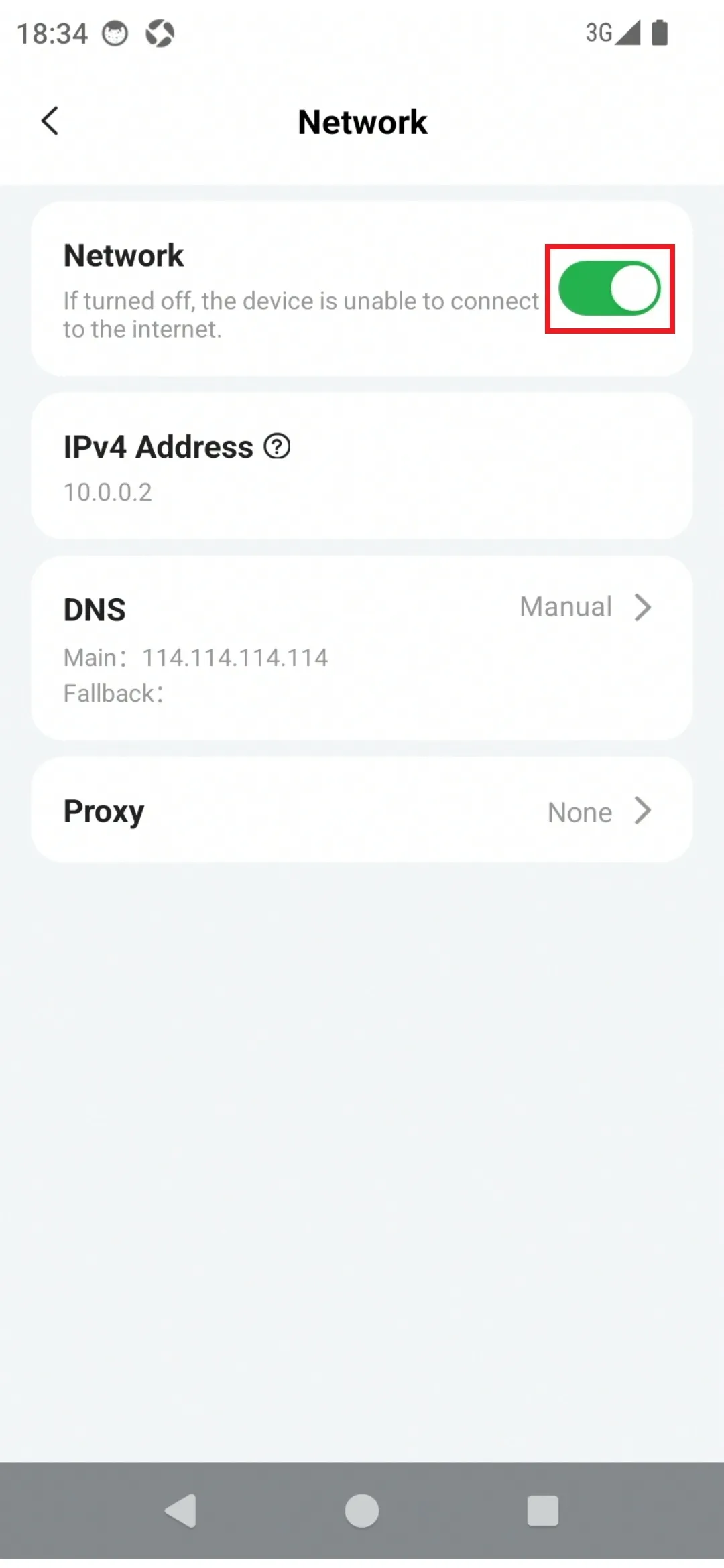
You can turn the network on or off through the Network switch in PlugOS Settings.
How to use:
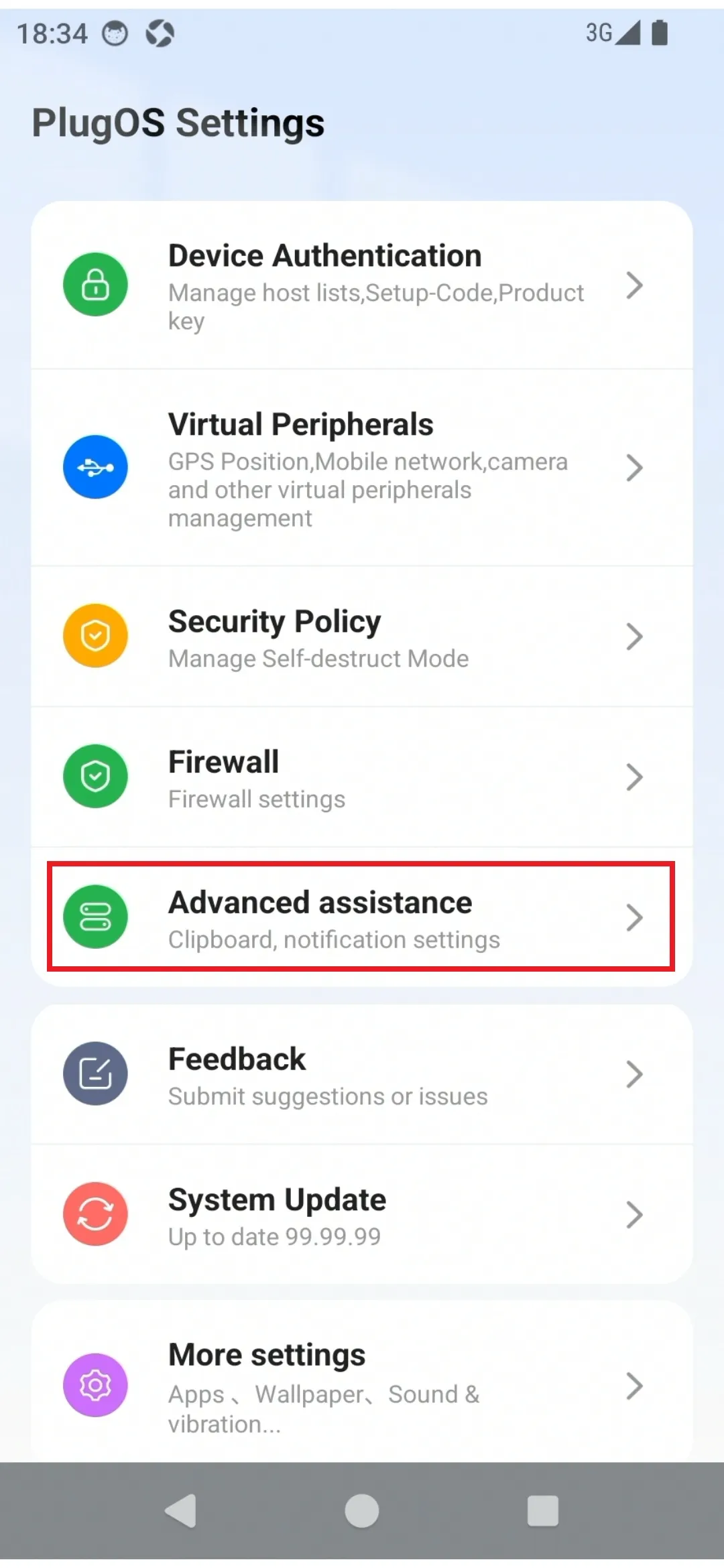
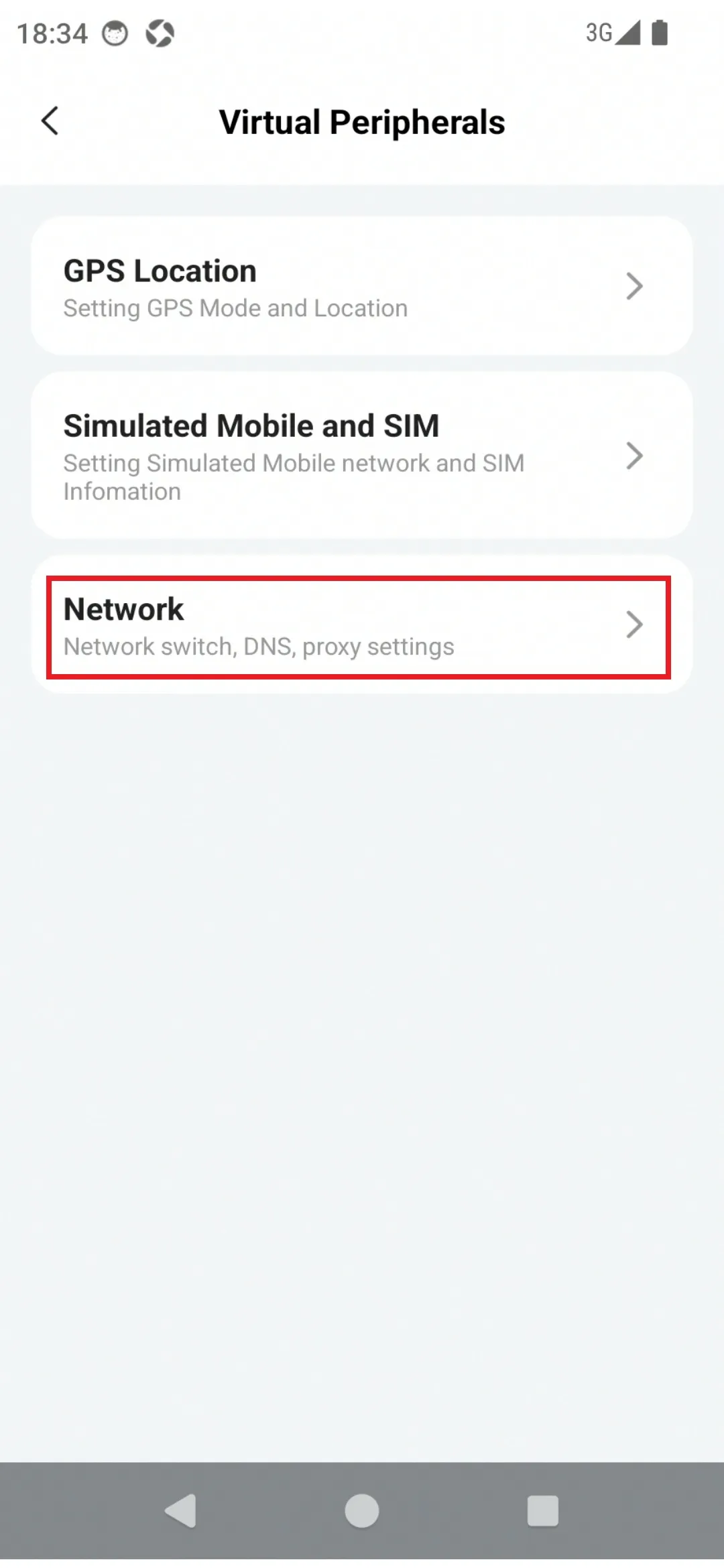
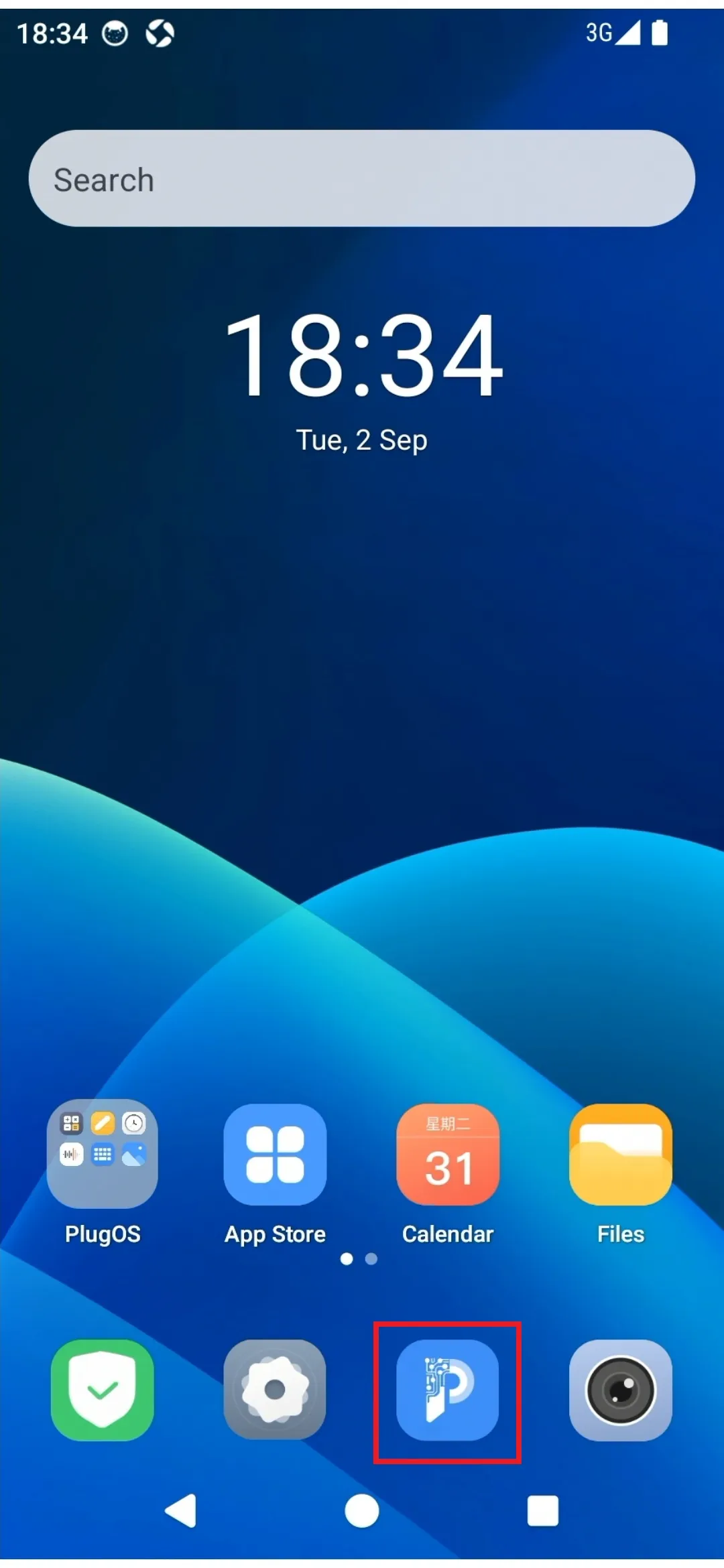
Enter the device desktop via the PlugOS APP home page, find “PlugOS Settings” → “Advanced assistance” → “Network”
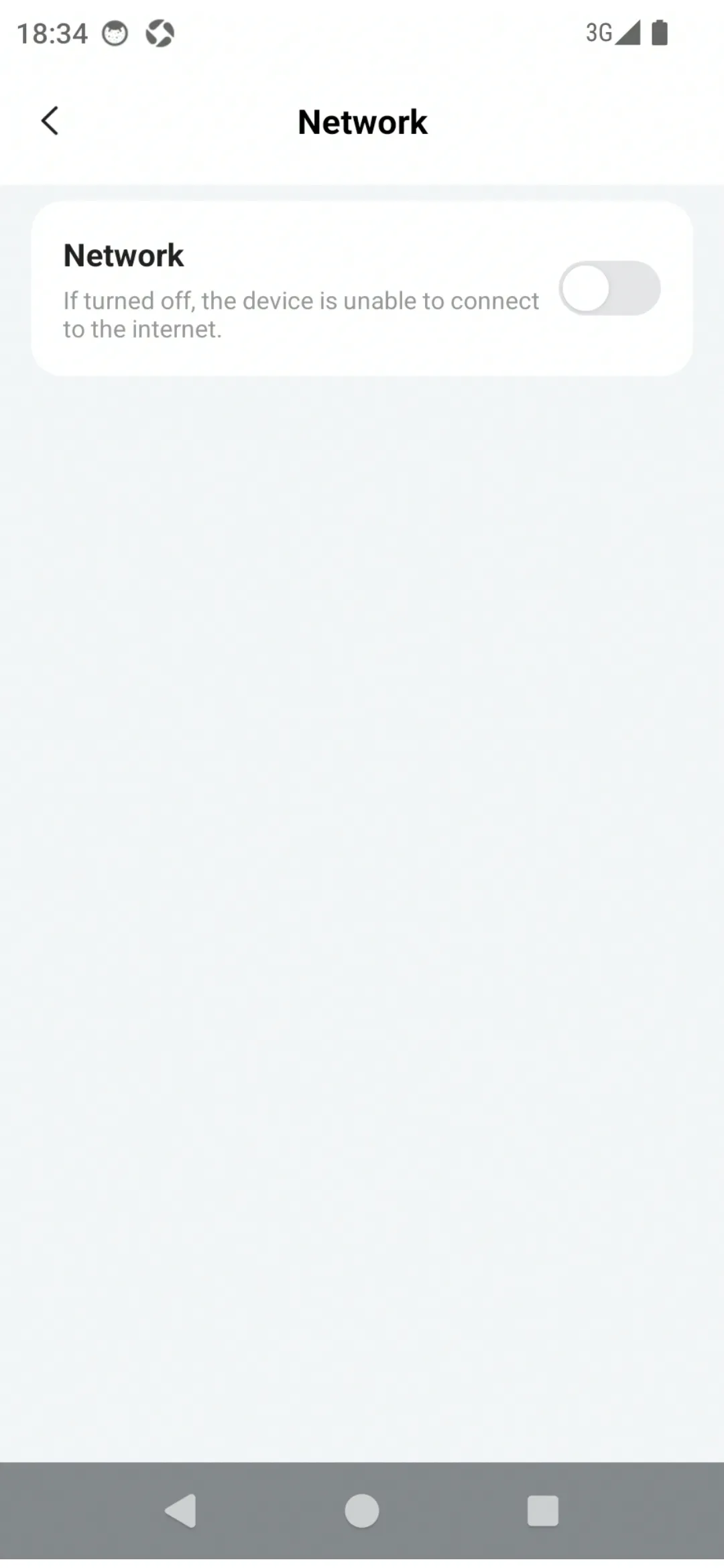
Click the “Network” switch to turn the network off or on
After the network is turned off, all applications cannot access the network
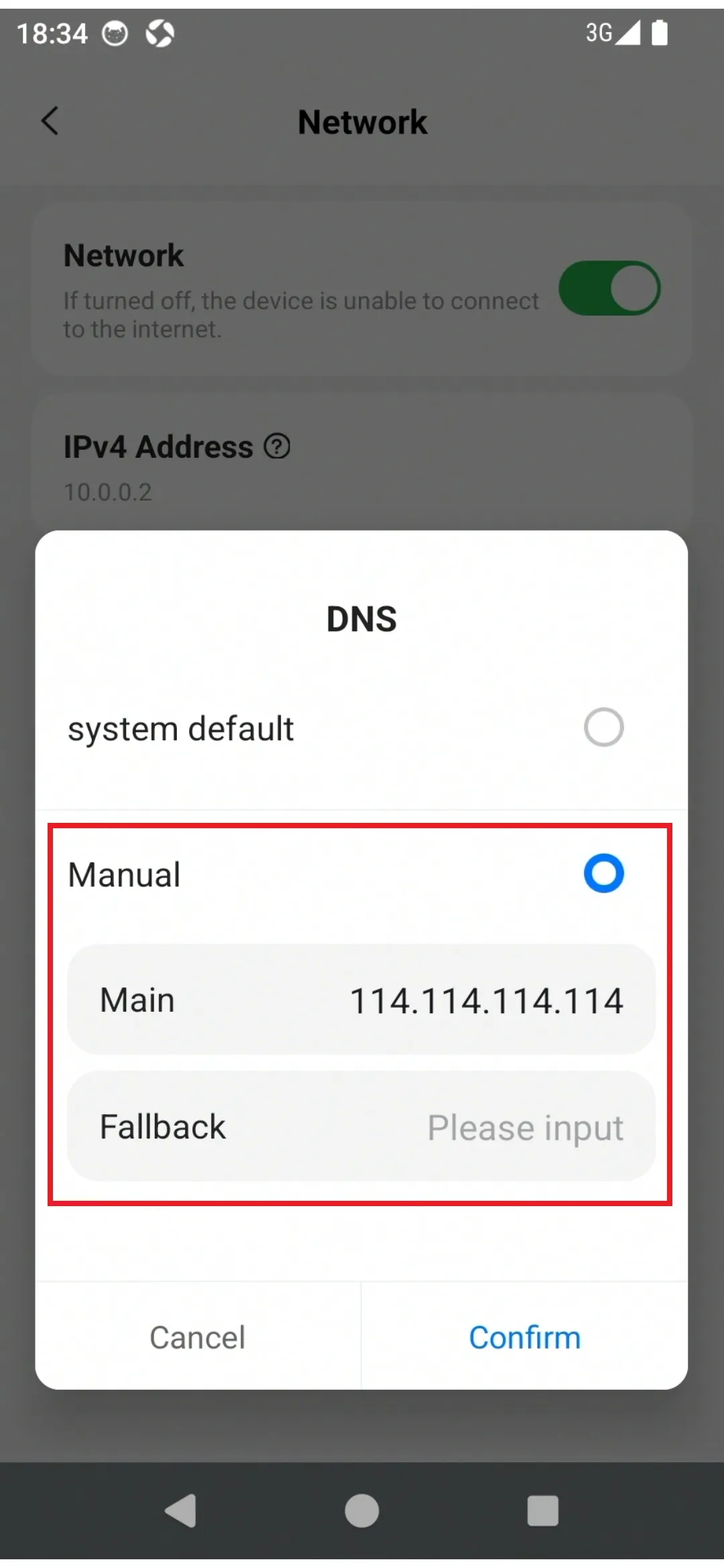
Click “DNS” to configure DNS settings. (Default is “System Default”)
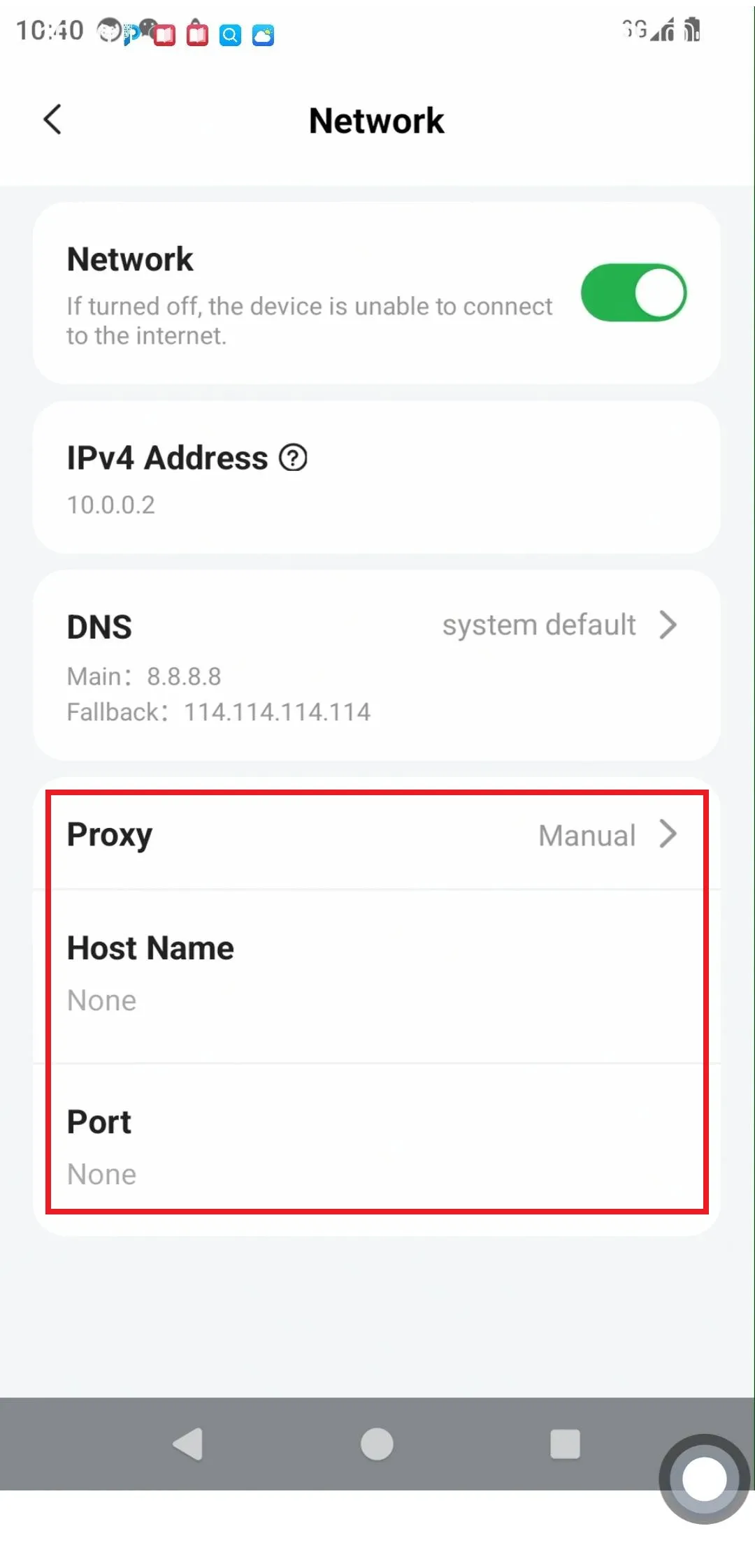
Click “Proxy” to configure proxy settings. (Default is “None”)